


How Friendz help with your home search
Friendz, Friendz of Friendz or Public: how your network shapes which Search Listings and Offer Listings you see.


Whether you're looking for a room or offering one, on flatsforfriendz both work through a profile, the right listing and Explore; only the steps are different.
With a profile and a Search Listing or Offer Listing, you find the right people. You reach out directly and take it from there.
Five steps take you from signing up to your first contact.
Create a short profile with a few details about you. That way, people offering a place know straight away who they're dealing with when you get in touch.
Describe the type of home, budget and timeframe you're looking for in your Search Listing. The more specific it is, the better the matches you'll get.
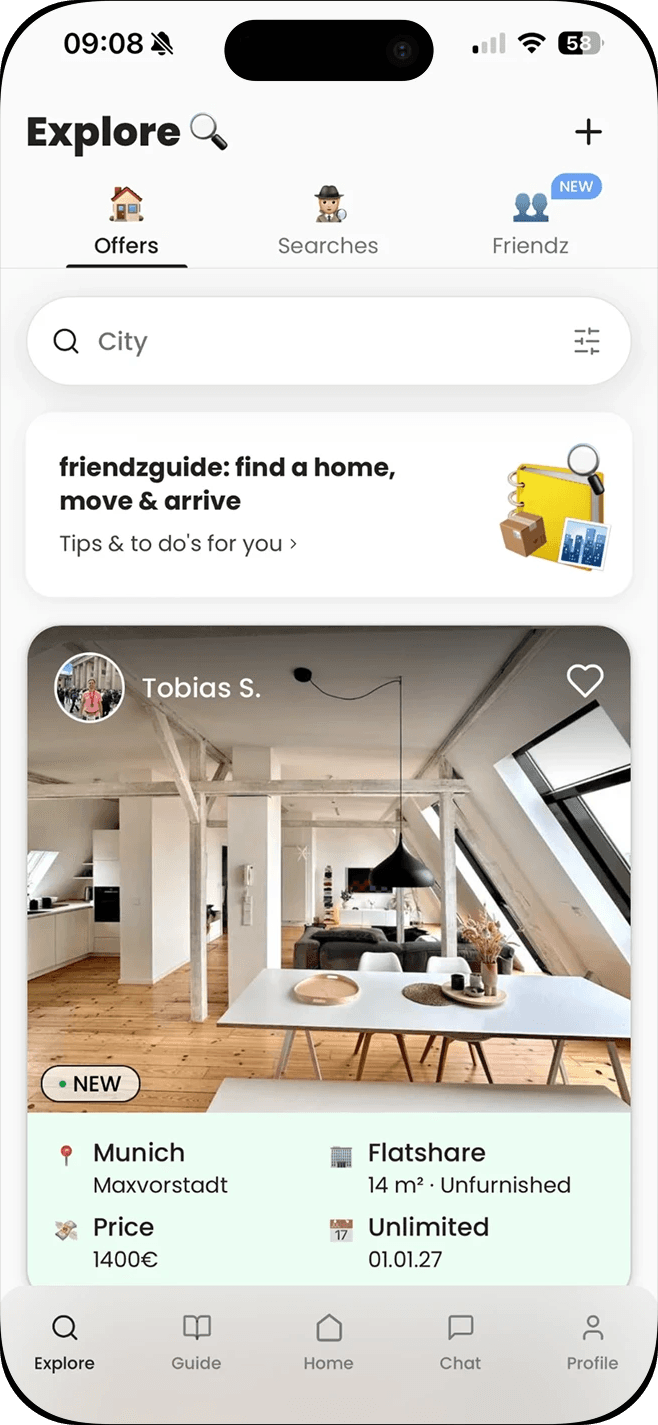
Explore shows you listings that match your Search Listing. Check back regularly, especially in popular cities or neighbourhoods.
With your Search Alert turned on, you're notified as soon as a new matching listing comes in, without having to keep searching yourself.
If you like a listing, you get in touch directly through it. A short, specific message about you and your situation improves your chances of a reply.
Five steps take you from listing your place to finding the right person.
You need a profile to offer a place too. It shows interested people who they're dealing with before they get in touch.
Describe your room or flat in an Offer Listing: price, timeframe and who you're looking for. Specific details save both sides time.
Decide whether your listing is visible to Friendz, Friendz of Friendz or everyone via Public. The guide How do Friendz help with your home search? explains what these levels mean.
Interested people get in touch with you directly. Take your time looking at their profiles before deciding on an interview or a chat.
The guide How do you find tenants and flatmates for your room or flat? shows how to find the right person.
Whether you're searching or offering, things then usually continue directly between you.
Save interesting listings to look at again later or compare several options.
If you're moving in with a partner or friend, share the listing so you can decide together.
The next step, such as an interview or a viewing, happens directly between you. flatsforfriendz doesn't handle that part.
Tick off what you've already done in the app.
Nothing's ticked yet. Pick your path, searching or offering, and tick off whatever you've already done. Nothing is saved on the web.
Set up your profile and get started with your Search Listing or Offer Listing.
This needs an account. On the web you only see the preview.
A Search Listing describes what you're looking for, such as a flatshare room, budget and timeframe. An Offer Listing describes a room or flat that's available.
No. You can create a Search Listing or an Offer Listing straight away and see public listings. A network also expands what you see and who you reach.
Yes. If you're moving out of a flatshare and looking for something new at the same time, for example, use an Offer Listing for your old room and a Search Listing for your new home.
Grow your network or adjust your Search Listing, for example on budget or city. The guide How to start your home search has more strategy on this.
Friendz, Friendz of Friendz or Public: how your network shapes which Search Listings and Offer Listings you see.
How to write a good Offer Listing, sort messages by fit and find the right person at the flatshare interview.
When to start, how to decide where to look and five steps that get your home search moving.

